Client Success Story: 40 Acres, 12 Cameras, and Gaming-Grade Connectivity
The client’s request seems straightforward enough: decent internet connectivity and a bunch of security cameras. But it isn’t so straightforward when you’re talking about 12 ultra-high-definition (UHD) security cameras across a 40-acre rural property, enough bandwidth for remote work, and a guest access system for the ranch hand, visitors, and delivery drivers to protect the main network from potential compromises.
Good camera coverage depends on good signal coverage, which is a totally different ballgame in a rural property with no cell service than hooking up a couple of cameras within 10’ of a router in a suburban home. Here’s how we do it.
The technical requirements: IYKYK
The client needs 250MBps+ internet at the main house for remote work (e.g., video calls) and modern high-speed internet inside a steel barn 1,150 ft away from the house, providing enough bandwidth for gaming and video calls.
We must work with the terrain to establish lines of sight for signal transmission. Meanwhile, the steel barn blocks all signals, so we had to install access points inside and outside the structure to bring WiFi into the building’s interior.
The rest of the property requires WiFi coverage for safety (i.e., someone can call for help). On the security camera side, the solution must be able to push UHD video streams from 12 cameras installed across the property.
IYKYK: we’re in serious radio engineering territory.
The real challenge: Coverage, speed, and reliability are three different problems
When designing a network for a ranch, you must solve coverage, speed, and reliability simultaneously. The catch? The solutions can work against each other if you're not careful.
Coverage means the signal reaches where it needs to be and isn’t wasted where it doesn't. Blasting a strong omnidirectional signal to cover 40 acres seems like the answer, but that’d swamp the neighbors, create co-channel interference within the property, and burn capacity the cameras need to stream properly.
Speed requires sufficient bandwidth for the actual loads: 250+ Mbps at the main house, HD streaming and video calls at the far structure, 12 UHD camera streams 24/7, and whatever else people on the property are doing simultaneously.
Reliability means the system doesn't just work on a quiet Tuesday afternoon with one person on the property. It must work when several people are on the guest network, two video calls are happening simultaneously, kids are gaming, and all 12 cameras are streaming.
Get any one of these wrong, and the client would end up with an expensive system that doesn't do what they paid for. Solving these challenges is a multi-step process that requires an extensive site survey and engineering before building the solution on-site.
The solution: More than what meets the eye
Setting a solid foundation for multiple IoT devices and extensive outdoor coverage involves taming the invisible, which requires some serious dark art in the form of radio engineering.
Step 1: Site survey
The first step was a site survey with a proper spectral analysis of the 2.4, 5, and 6 GHz bands. It included mapping the neighbors' WiFi because our frequency choices must account for what was already occupying the airspace. A channel that appears clean on paper becomes a problem when another router at the neighbor’s ranch is hammering it.
We also assessed practical realities: mounting options, power availability at each equipment location, line-of-sight paths between structures, and the terrain and vegetation. For example, trees block signals, and they grow. A clear line of sight today must still be clear in five years if you're not planning to climb a ladder with pruning shears every spring.
Step 2: System design and engineering
Proper engineering ensures everything will work as intended and is the most complex part of the project. Here’s what we covered:
Capacity planning. We calculated the bandwidth requirements for every application: remote work at the main house, gaming and video calls, a steel structure 1,150 feet away, 12 UHD camera streams, and guest access. Then, we designed the trunk links (the backbone connections across the property) to handle it all with margin.
Line-of-sight verification. We verify every link between nodes, studying the terrain and vegetation to identify obstacles and opportunities.
Frequency planning. This process distinguishes a well-designed network from a mess. We built a complete frequency deployment plan, detailing each channel’s coverage, power levels, and bandwidth settings.
For the 1,000-foot-plus trunk hops, we used high-power, focused 5.4 GHz directional links for precision. For the cameras, we used low-power 2.4 GHz omnidirectional access points, dialed down to "sufficient with margin” to prevent co-channel interference. We assigned at most two cameras per 2.4 GHz channel, planned manually to avoid overlap.
There’s one counterintuitive move worth explaining: we lowered the channel width on the 5 GHz band from 80 MHz to 40 MHz. Less bandwidth may seem backwards, but it significantly improves signal-to-noise ratio on long links, translating into more reliable throughput.
Frequency reuse. A 40-acre property is large enough to reuse frequencies in different zones, like cell towers do. However, to minimize interference, these zones require spatial separation. We leveraged the terrain as a natural barrier between reuse zones to avoid creating artificial separations or overbuilding access points.
FCC compliance. We calculated the trunk link power levels based on FCC limits, then ran link budgets to verify the math.
Subnet design. The cameras live on their own isolated subnet, separated from the main network and the guest network. IoT devices are notoriously vulnerable, and isolation prevents a hacked camera from becoming a pivot point into the client's primary network.
We also created two additional subnets for the ranch hand, delivery drivers, and guests. The isolation prevents breaches in devices that the client has no control over from jeopardizing the security of the main network.
Equipment acquisition and hardening. After finalizing the design, we sourced the equipment, loaded the firmware, and performed a cybersecurity exposure check before on-site implementation.
Step 3: The Starlink setup
For the primary internet connection, we paired the Starlink Max plan with a carefully positioned and aligned Starlink Gen 3 dish. We selected the placement to avoid existing vegetation and account for vegetation growth over time.
At the far structure 1,150 feet away, the trunk link delivers enough bandwidth to support simultaneous gaming and video calls without degrading anything at the main house. The two use cases live on different frequency bands and don't compete with each other.
Step 4: On-site implementation
With exhaustive and accurate planning, the physical implementation is straightforward — although it still took a week of on-site work.
We mounted the Starlink dish and network equipment, verified the channel plan and firmware versions, and confirmed SSIDs (i.e., WiFi network names) and access. We measured signal strength at the far end of each trunk line and throughput on every channel. We even created real-life interference to verify system behavior. Finally, we confirmed that the impact on the neighbor's WiFi was negligible as designed.
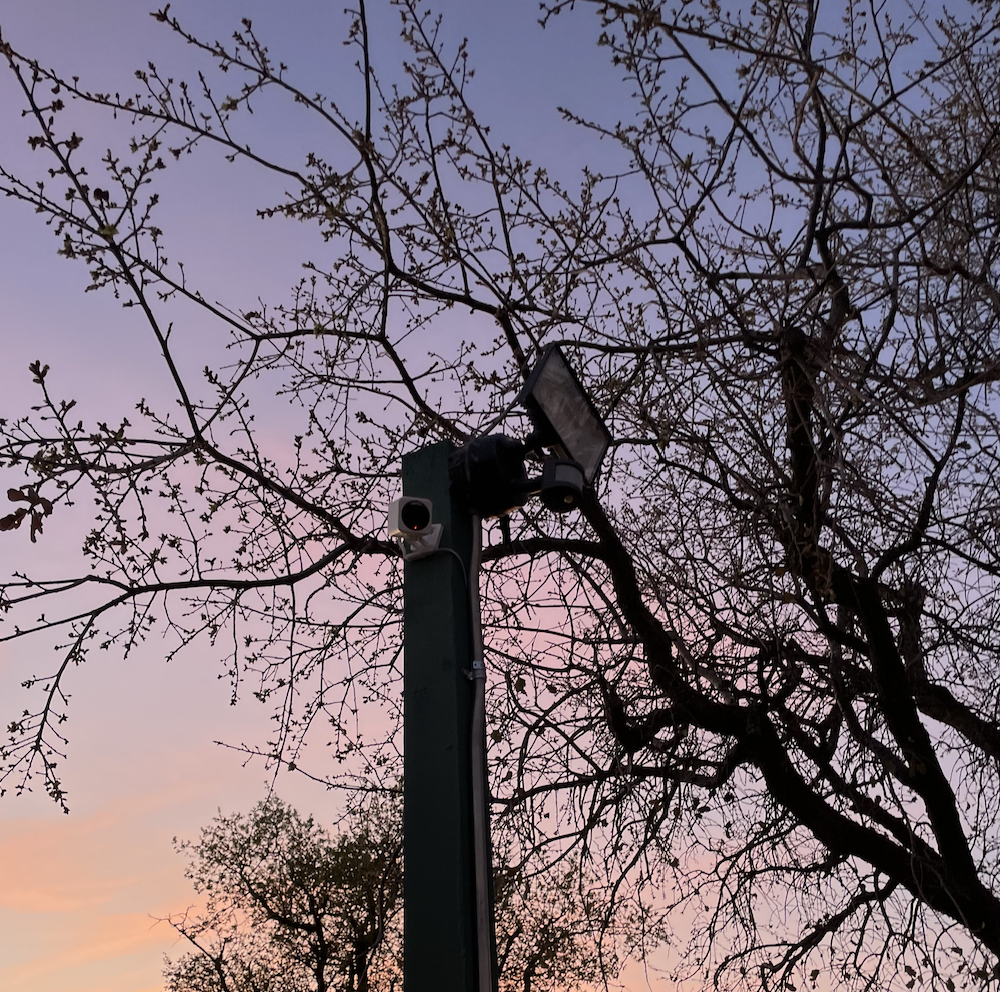
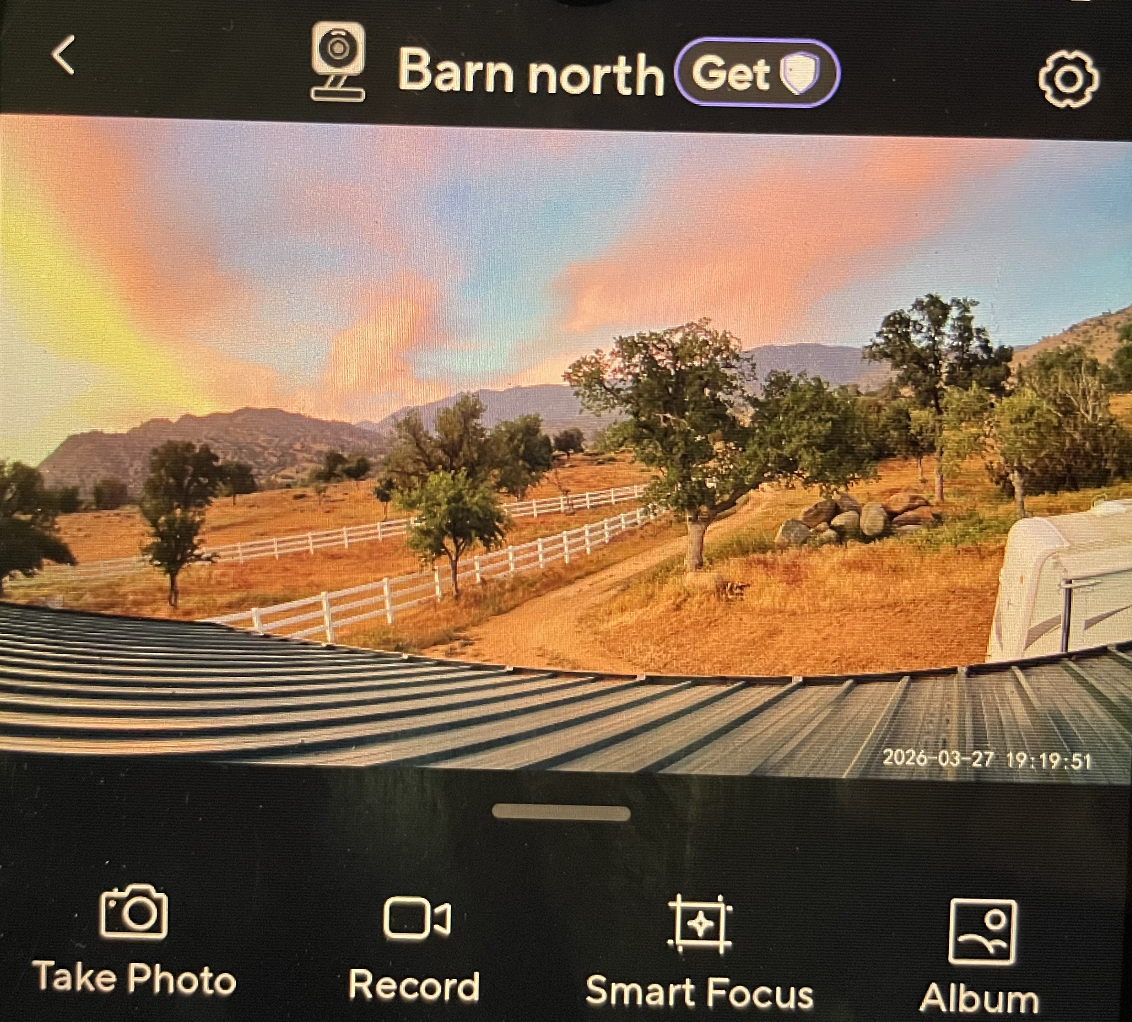
Then, we installed the cameras. The work included mounting, aiming, setting configurations, loading firmware, verifying recording, setting object detection, testing audio threshold, and configuring night lights. While this part isn’t rocket surgery, it requires a methodical approach to cover every detail and capture what the client wants to monitor.
Step 5: Torture testing
After everything was set up, we didn't just check that things worked under normal conditions. We ran the system under full simultaneous load:
All 12 UHD camera streams are running.
A video call from the far-end access point, inside a steel barn 1,150 ft from the Starlink router.
An HD YouTube stream at the main house.
A bandwidth test at the main house for home office use.
The proof is in the pudding: we verified that camera streaming didn't drop, the video call didn't stutter, and bandwidth at the main house still meets remote working requirements.

You can have your cake and eat it, too
For this client, we built a system covering 40 acres with signal strength to support remote work, gaming, and video calls at the main house and a structure 1,150 ft away. The 12 UHD security cameras stream reliably 24/7, with footage stored locally on high-endurance SD cards for added redundancy and accessibility. We also created isolated subnets for IoT devices and controlled guest access to enhance cybersecurity.
Thanks to modern technology, enjoying a rural lifestyle doesn’t mean sacrificing connectivity. Get in touch to see how we can help you stay connected wherever you are on your property.